
You can reply to an email using Mozilla Thunderbird instead of the cPanel Webmail.
1. Open Mozilla Thunderbird.

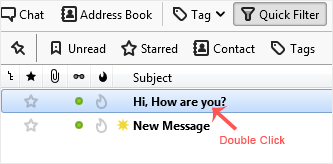
2. Click on the email you wish to open twice.
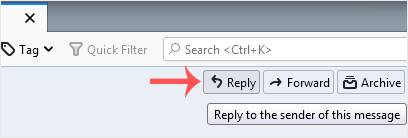
3. In the top-bottom area, click on Reply.
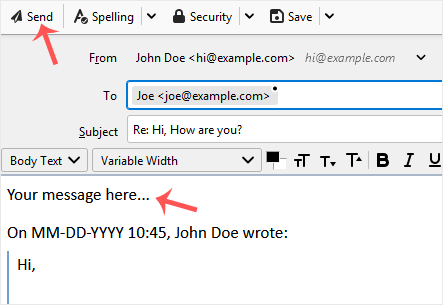
4. Type your message in the message box and click on Send.
30-Day Money-Back Guarantee!
If you are not happy with our services for whatever reason,
we’ll refund your payment. No hassle, no risk.