
You can change the root/admin password of your VPS Operating System using SolusVM.
1. Log in to your SolusVM Control Panel.
2. If you have multiple VPSs, select the appropriate one.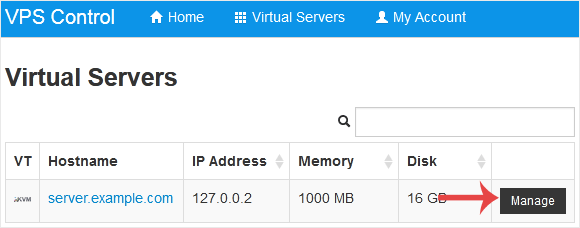
3. Scroll down. Under the Root/Admin Password tab, if it shows the password field, enter your password and click on Change.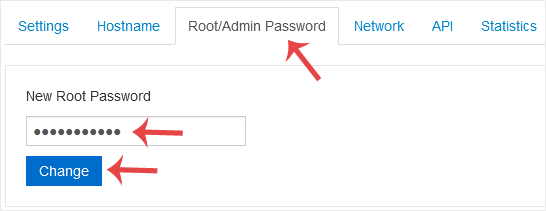
4. Click Yes to confirm.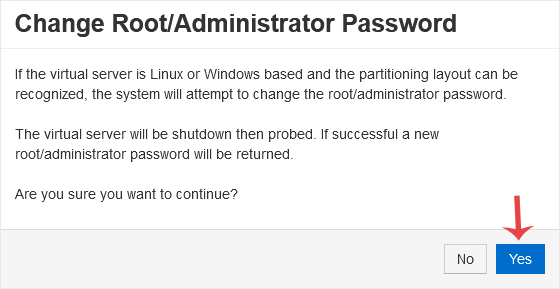
5. It may take a few moments for the password to change, after which a success message will display. Copy the password to Notepad.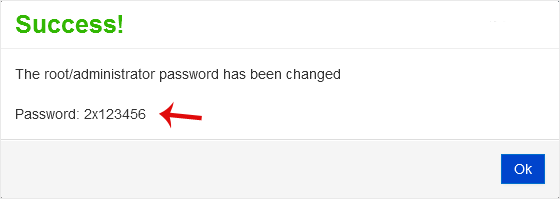
30-Day Money-Back Guarantee!
If you are not happy with our services for whatever reason,
we’ll refund your payment. No hassle, no risk.